
 Forms
Forms
Forms are essentially the recollection of answers, interactions and triggers activated by your audience.
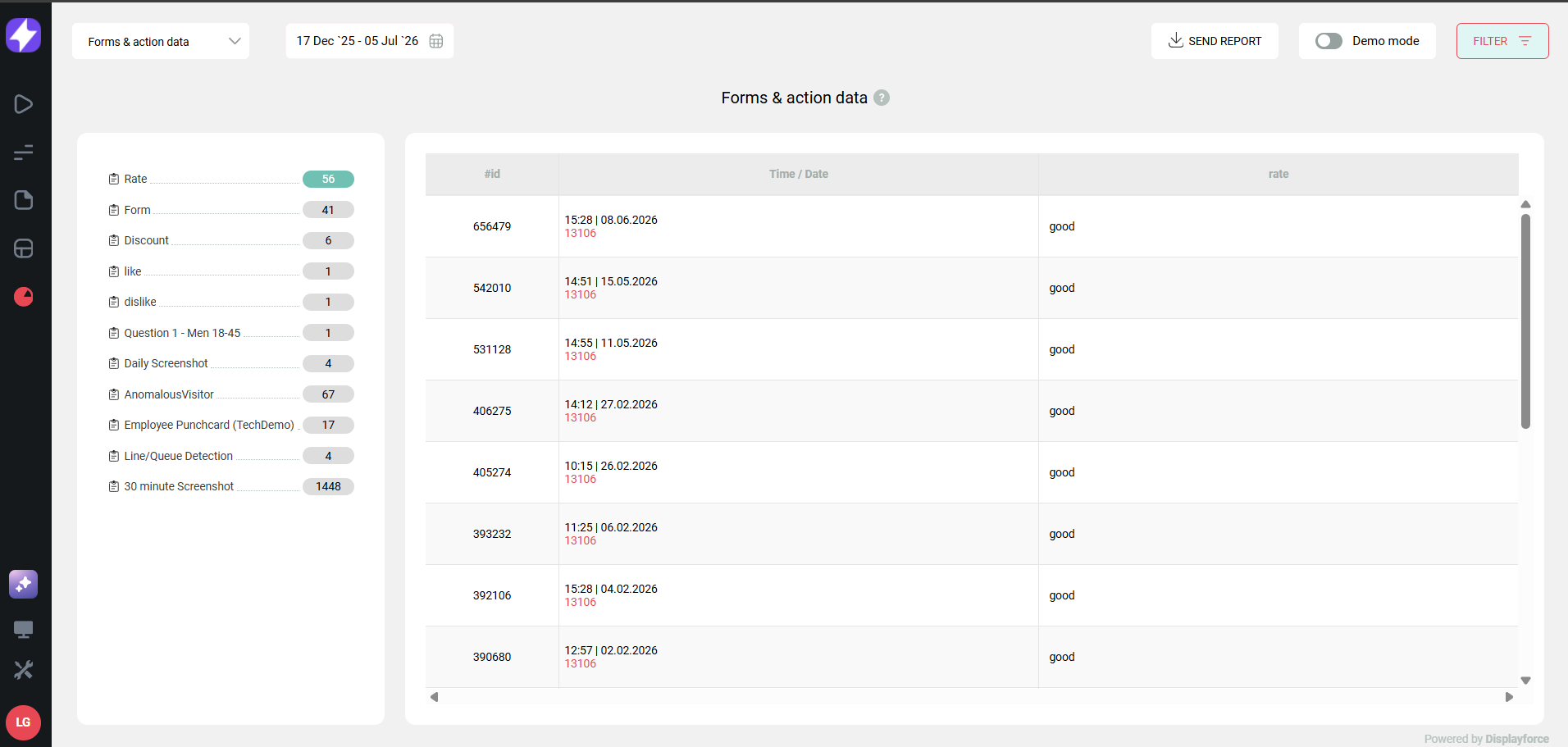
To find the Forms & action dta module, please refer to it's module inside th Insights & data section.
Multiple choice forms
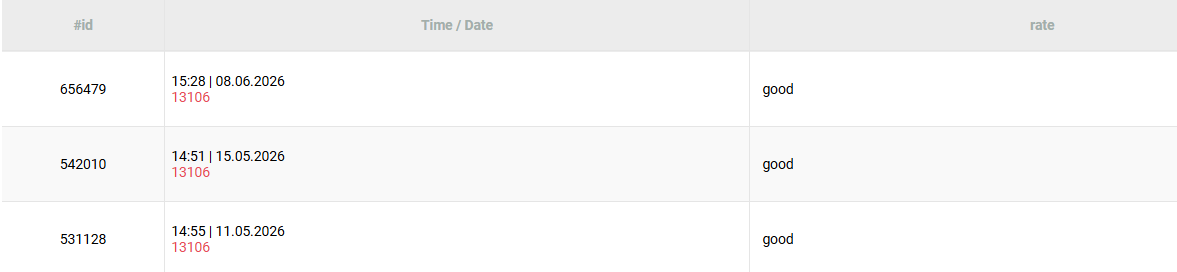
Using forms, you may understand multiple choice answer, as examples, how many people:
- Liked the service or product;
- Disliked the service or product;
- Rated 1-5 their experience;
- Clicked on a certain link, button or ad;
- Smiled to get a special offer.
Text input forms
Also, you may receive sentences in the form of text, for example:
- Customer rates experience good: "it was very good, staff was very kind"
- Customer rates experience bad: "turn on the AC, it was very hot here"
- Name, e-mail and phone numbers.
Screenshot form
And you may also take screenshot to register what was being played on screen at the time.
Example: this was the image at the screen at the moment the form was triggered:
How to retrieve forms data
The format of forms is, essentially, a table of information that may be accessed via 3 different ways:
a) In your CMS, in Insights & data section;
b) In the Forms .xlsx report (Excel compatible);
c) Via a DISPL official public API query.
Comments
0 comments
Please sign in to leave a comment.